M Meshy

Definition first

What is Meshy AI and what can it create?

If you are asking what is meshy ai, think of it as an AI-assisted 3D creation platform that turns written descriptions or reference images into textured digital models. Meshy AI helps artists move from a rough idea to an editable asset without starting every shape, material, and surface by hand.

Text to 3D
Describe an object and generate a model concept
Image to 3D
Use a reference image as the starting point
Texture support
Create surface detail from written direction
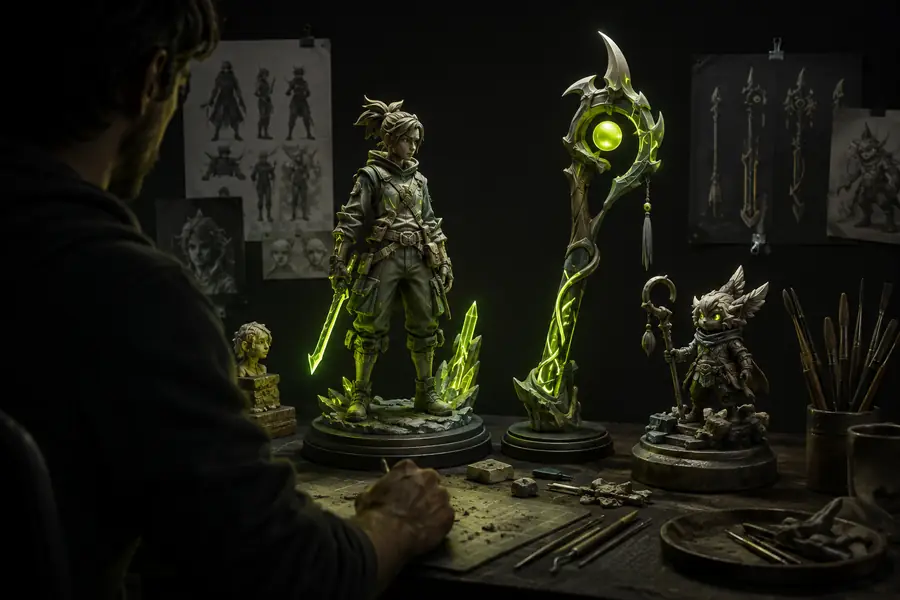
AI-generated 3D objects shown in a creative modeling workspace

How it works

The platform compresses several early modeling tasks into a guided sequence, while leaving review and refinement in the creator’s hands.

Describe or provide a reference

Start with a prompt that names the object, style, proportions, and useful details, or upload an image that communicates the silhouette and visual direction. Meshy AI interprets this input as a design brief rather than a finished specification.

Generate a first 3D result

The generator estimates form, topology, camera-facing details, and materials to produce an initial model. A short prompt usually creates a broad concept, while more specific wording gives the result stronger constraints.

Inspect, refine, and export

Review the shape from multiple angles, adjust the prompt or texture direction, and choose the version that best fits the project. Meshy AI is most useful when generation is treated as an iterative starting point instead of a one-click final asset.
What it can and cannot do

Meshy AI can accelerate the blank-page stage, but it does not remove the need for artistic judgment, cleanup, or technical validation.

1

Choose it for fast ideation

Generate several forms, characters, props, or scene elements from a short creative brief.

It helps compare directions before investing hours in manual blocking and surface design.

2

Choose it for a reference-led start

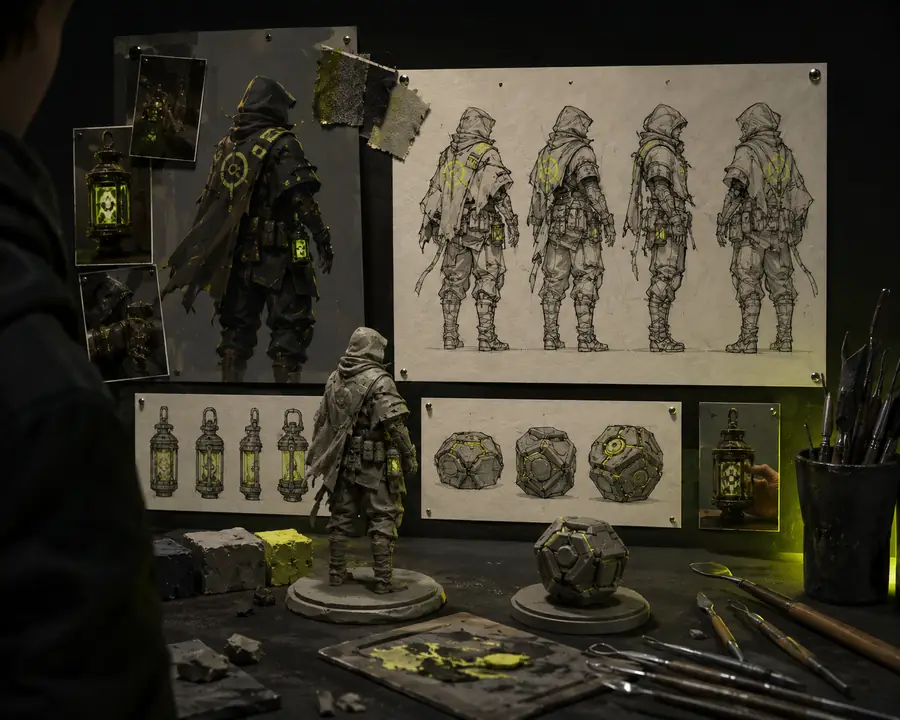
Turn a concept image into a rough 3D interpretation and use that result as a base for refinement.

A visual input can communicate silhouette and style more quickly than a long written prompt.

3

Do not treat it as final production automation

Expect to inspect topology, proportions, UVs, textures, scale, and compatibility with the destination software.

Meshy AI can produce convincing appearances while still needing human correction for demanding animation, manufacturing, or game-ready pipelines.

Who uses it

The tool is relevant wherever a visual idea needs a tangible 3D starting point before a specialist takes it further.

  1. Designers test visual directions

    Product and industrial designers can use Meshy AI to turn written concepts into quick form studies, helping teams discuss shape and proportion before detailed CAD or sculpting begins.

  2. Artists block out worlds and props

    Game, film, and animation teams can create rough environment pieces, characters, and set dressing to explore composition. The result functions as a conversation piece or blockout, not automatically as a finished asset.

  3. New creators get a visible starting point

    Students and independent makers can compare prompts, references, and iterations while learning how silhouette, materials, and surface detail affect a model. Meshy AI makes experimentation less dependent on advanced modeling skills at the first step.

  4. Technical artists evaluate the output

    Experienced users can decide whether a generated asset is worth cleaning, retopologizing, retexturing, or rebuilding. Meshy AI saves the most time when its output is filtered through an established production checklist.

Frequently asked questions

Reference input

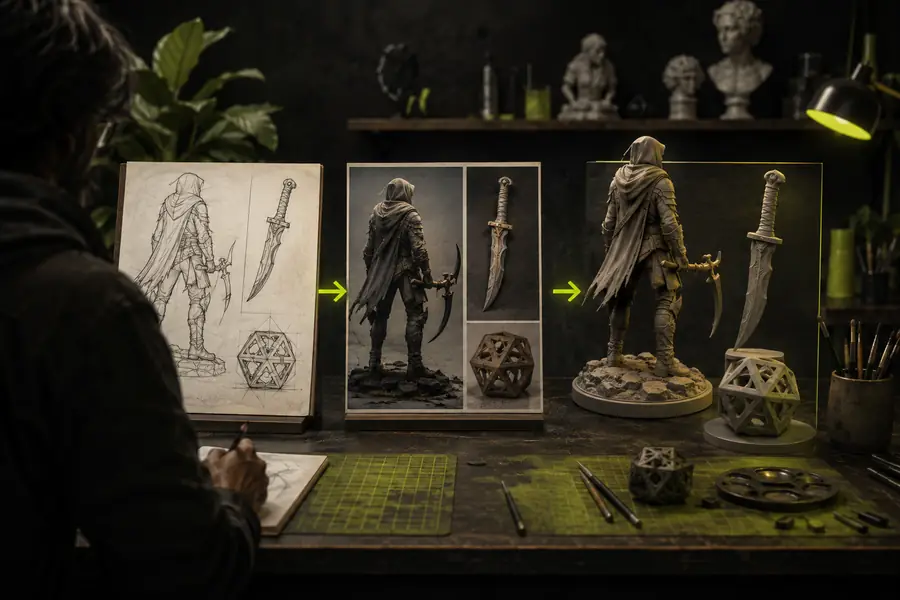
A simple reference concept used to guide a 3D generation workflow
A generated textured 3D asset developed from a visual starting point
Generated 3D result

What does Meshy AI do? It creates draft 3D models and textures from text prompts or images. Is Meshy AI a replacement for a 3D artist? No; it automates parts of ideation and asset creation, while people still direct the brief and validate the result. Can the output be used immediately? Sometimes for previews or prototypes, but production use usually requires cleanup, scale checks, topology review, and material adjustments. Is the result always accurate? No. Fine details, hidden surfaces, proportions, and topology can vary, so review from several angles is essential.