M Meshy

Explore meshy ai examples in production

These meshy ai examples show how text-to-3D and image-to-3D generation can support real creative pipelines. Compare the starting brief, the generated asset, and the handoff needed for a usable result.

4
workflow examples
3D
asset formats considered
1
clear handoff path
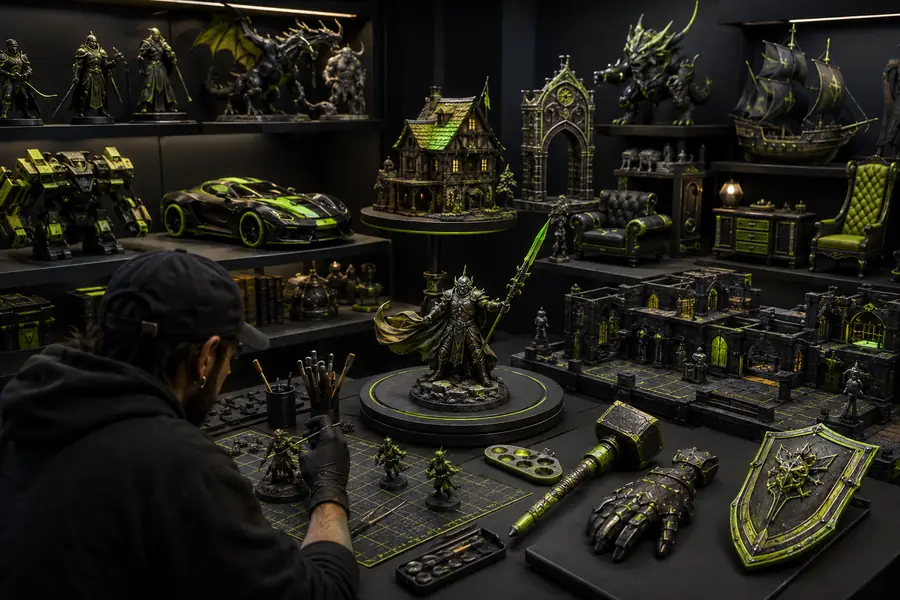
Collection of generated 3D assets for different creative workflows

the audience's existing pipeline

Start with the work already happening around the asset: brief, blockout, review, refinement, and export. These related guides explain the surrounding choices before you apply the examples.

where we slot in

The strongest results come from treating generation as an acceleration step, not a replacement for art direction. Each scenario below gives the model a defined job and a human a clear review point.

Indie game designer

Create several stylized props from short briefs, then select the silhouette that best matches the level mood before retopology and material cleanup.

You get a faster shape exploration pass and a concrete asset to refine instead of a blank viewport.

meshy ai for 3d modeling

Product concept team

Turn reference images or descriptive notes into rough product forms for early presentation, spacing studies, and internal direction reviews.

The team can discuss scale, proportion, and visual language earlier, before investing in a polished CAD or sculpting pass.

meshy ai online

Educator or student

Generate simple objects for lessons about topology, UVs, materials, and the difference between an attractive preview and a production-ready mesh.

A visible starting asset makes technical concepts easier to explain and gives learners something tangible to inspect.

what is meshy ai

3D artist building a library

Produce variation studies for creatures, furniture, environment props, or collectible forms, then curate the strongest candidates into a reusable reference set.

Ideation becomes more systematic while the artist retains control over selection, cleanup, naming, and final style.

meshy ai alternative
before/after

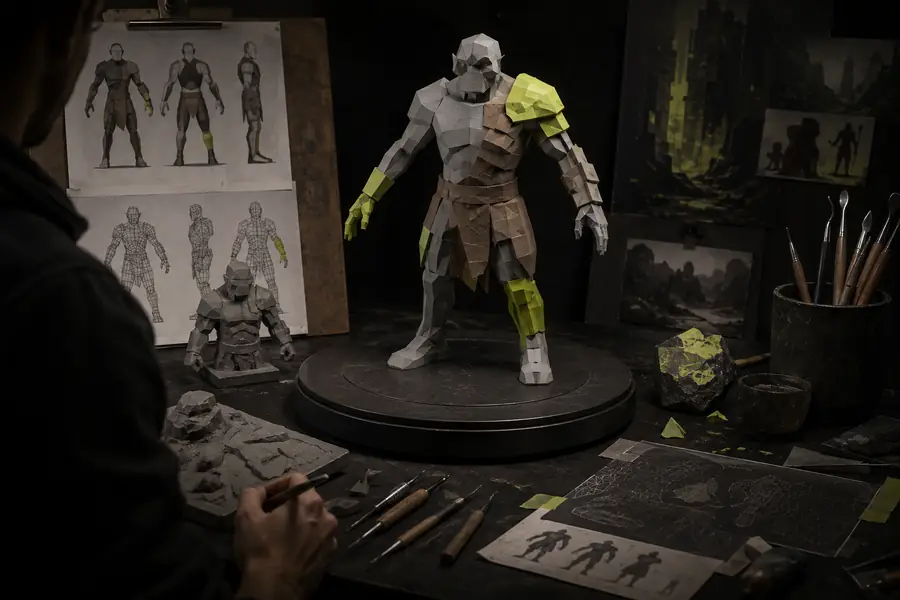
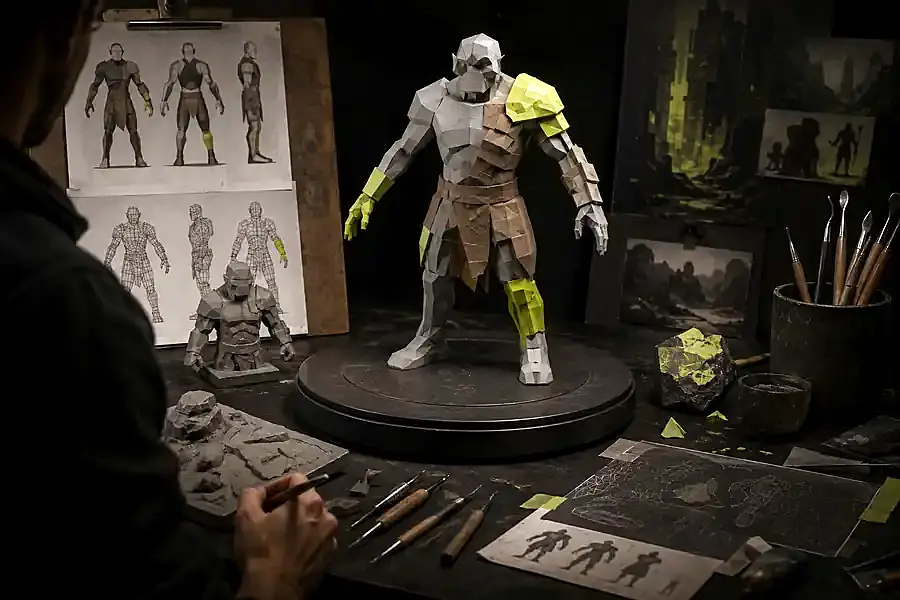
A generated model is most useful when the change between input and handoff is explicit. The preview can prove the direction; cleanup makes the asset dependable in a larger scene.

Generated starting point

Early generated 3D asset with rough geometry and materials
Refined version of the generated mannequin asset prepared for review and scene placement
Reviewed production candidate

Before: a fast concept with uneven details and a broad interpretation of the brief. After: a selected asset with corrected proportions, cleaner materials, and a defined next step for topology or export.

deliverable spec

Choose the level of finish according to the next person or tool in the pipeline. A useful example is not just visually appealing; it states what is ready, what is provisional, and what still needs work.

1

You need ideas for a scene or pitch

Choose a quick, stylized asset with readable shape language and a simple material pass.

The deliverable is judged by speed and communication, so iteration matters more than perfect topology.

2

You need an asset for interactive testing

Choose a consistent scale, inspect the mesh, and plan retopology, UV correction, collision work, and engine-specific export.

A convincing preview does not guarantee efficient runtime geometry or clean behavior in a game engine.

3

You need a reference library

Generate several controlled variations, label the prompts, preserve the strongest outputs, and record the intended use for each.

A repeatable naming and review process turns isolated examples into searchable creative input.

scenario FAQ

These answers keep expectations grounded when reviewing generated assets. The right example depends on the brief, the required finish, and how much human refinement follows generation.

  1. Can these examples be used as final assets immediately?

    Usually, they are better treated as starting points or rapid candidates. Check scale, topology, UVs, materials, and licensing requirements before placing an asset in a final delivery.

  2. Are image-based examples better than text-based ones?

    Neither is always better. Text is useful for exploring a defined object or style, while an image can preserve a reference silhouette, color direction, or recognizable visual cue.

  3. What makes an example worth saving?

    Keep outputs with a clear silhouette, useful proportions, and a realistic cleanup path. Save the prompt or reference alongside the asset so the result can be reproduced or intentionally varied.

  4. How should a team review generated models?

    Review in stages: first approve the concept, then inspect geometry and materials, then test the export in its destination context. This prevents polish from hiding structural problems.

Estimated review time
hours
Manual concept time
hours
Time saved
hours
Brief, generate, review, refine
4 stages
Shape, surface, and handoff
3 checks
A human keeps final art direction
1 owner
Every example states its next use
0 assumptions